Email Us
 Freight Forwarding Software
 Warehouse Management System
 Transport Management System
 Moving/Removal Software
 Service Portal
 Move Survey Quote Pro
 Digital Logistics Inventory App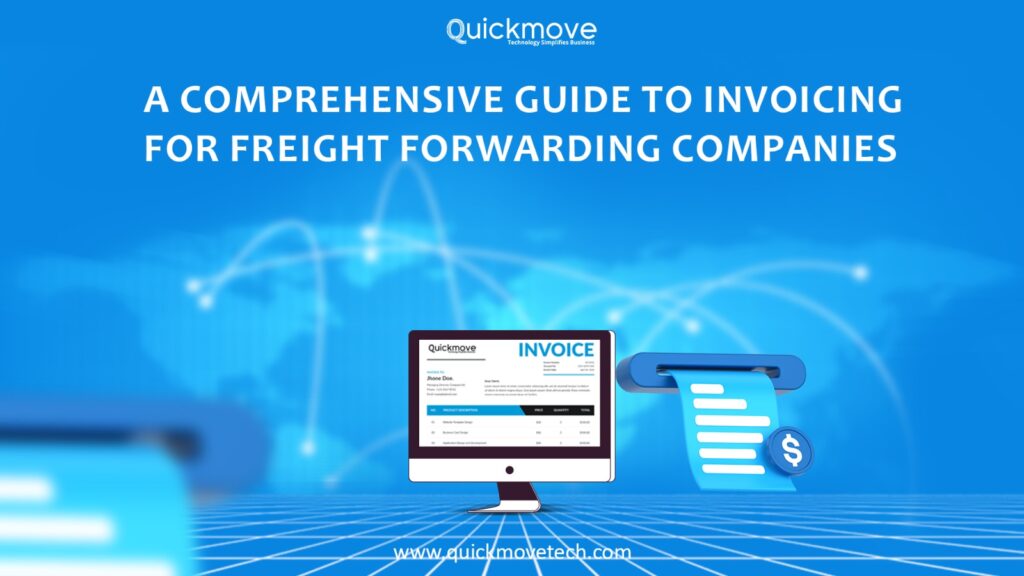
In the freight forwarding business, managing shipments across different geographies are already challenging. But one area that often causes even more confusion? Invoicing.
Between multi-leg transport, vendor costs, documentation charges, and currency conversion, getting your invoicing right is no small task. One mistake and you could either undercharge your client or delay your own payment collection.
In this guide, we’ll break down the freight invoicing process in a simple, straightforward way—and explain how tools like QuickMove Technologies’ freight forwarding software can help reduce errors, improve accuracy, and streamline your operations.
Why Accurate Invoicing Matters in Freight Forwarding
Your invoicing system is more than just a finance function. It’s directly linked to your profitability, client satisfaction, and operational efficiency.
Common invoicing challenges in freight forwarding include:
- Missing or delayed vendor bills
- Currency mismatch or miscalculations
- Unbilled charges like handling, storage, or customs
- Manual data entry errors
- Unclear tax application, especially in international shipments
The impact? Delayed payments, client disputes, and margin loss.
With integrated freight forwarding software like QuickMove, these issues can be minimized. QuickMove enables you to centralize your job costing, quotation, billing, and documentation — making it easier to send accurate invoices, faster.
Step-by-Step Freight Forwarding Invoicing Process
Let’s look at what an ideal invoicing workflow should look like for a freight forwarder:
1. Quotation and Job Confirmation
Every invoice starts with a well-prepared quotation. This should include:
- Freight charges (by air, sea, or road)
- Documentation and handling fees
- Local delivery or pickup charges
- Any expected customs duties or taxes
A professional, itemized quote sets expectations and helps avoid disputes later.
QuickMove’s freight forwarder software helps you generate detailed, branded quotations in minutes. These can be directly linked to a job file, so everything stays traceable.
2. Job Execution and Cost Capture
Once the shipment is booked and executed, you’ll incur costs from:
- Airlines or shipping lines
- Local handling agents
- Customs brokers
- Warehousing or delivery vendors
Manually tracking these in spreadsheets is risky. You could easily miss a charge or allocate it to the wrong job.
QuickMove allows you to attach third-party vendor bills directly to each job, so when it’s time to invoice your client, you have a full, accurate cost breakdown.
3. Generating the Invoice
When the job is completed (or at a billing milestone), it’s time to issue the client invoice. This should include:
- Job reference number
- Description of services
- Breakup of all charges
- Tax breakdown
- Payment due date and terms
Using QuickMove’s billing module, you can generate invoices automatically based on the job’s quotation and actual incurred costs — reducing the risk of manual entry errors and ensuring consistency.
4. Handling Taxes and Currency
Freight forwarding businesses often work across borders and in multiple currencies. Getting taxes and currency conversions wrong can result in serious accounting issues.
QuickMove supports multi-currency transactions and allows you to configure tax rules according to your operating countries. While it doesn’t replace your tax consultant, it does give your team the structure needed to comply with local and international taxation systems.
5. Sending Invoices and Following Up
Once your invoice is ready, the next challenge is ensuring timely payment.
Using QuickMove’s customer management features, you can:
- Email invoices directly from the system
- Track due and overdue payments
- Access a real-time dashboard of receivables
This improves cash flow visibility and ensures that no invoice gets “lost in the system.”
Common Freight Invoicing Mistakes to Avoid
Even well-run freight businesses face invoicing challenges. Some common mistakes include:
- Invoicing before all costs are recorded (leads to missed charges)
- Incorrect client details (especially in export shipments)
- Relying on spreadsheets for invoicing
- Confusing documentation fees, customs charges, and third-party costs
- Using inconsistent formats
QuickMove Technologies’ software reduces these risks by ensuring that all job-related information—from quote to bill—is stored in one central platform, accessible to both operations and finance teams.
Freight Invoicing Best Practices
To run a more professional, accurate, and scalable freight business, follow these invoicing best practices:
- Centralize job data: Avoid scattering job costs across Excel files, emails, and WhatsApp messages.
- Use pre-approved quotations: Avoid last-minute client disputes.
- Automate invoicing: Use systems that let you generate invoices with a few clicks.
- Link vendor costs to each job: This ensures you don’t forget to pass on expenses.
- Stay tax compliant: Ensure your software supports the tax formats and rules you need.
All of this can be achieved using QuickMove’s software for freight forwarding companies, which has been designed specifically for logistics and forwarding businesses that want to grow without being buried in admin.
Why Use Freight-Specific Software?
Generic accounting tools or ERP platforms may not fully meet the needs of freight forwarders. You need industry-specific features, such as:
- Freight-mode specific invoicing (air/sea/road)
- Integrated shipment tracking and documentation
- Third-party cost capture for each job
- Tax and surcharge configuration
- Real-time profit tracking per job or client
QuickMove Technologies’ freight forwarding software is built with this in mind. It brings together operations, billing, documentation, and client management into one system—so you can stay focused on delivering shipments, not chasing spreadsheets.
Turn Invoicing from a Headache into an Advantage
Invoicing may not feel like a core freight operation—but it’s one of the areas where freight forwarders either win or lose money. With dozens of moving parts, it’s simply not efficient (or sustainable) to do it all manually.
By using a platform like QuickMove Technologies’ freight forwarding software, you reduce human error, speed up collections, and gain full visibility over your margins. It’s not just about automation. It’s about control. And when you have control over your invoicing, you have control over your cash flow—and that’s a big win in the logistics business.