Email Us
 Freight Forwarding Software
 Warehouse Management System
 Transport Management System
 Moving/Removal Software
 Customer Service Portal
 Move Survey Quote Pro
 Digital Logistics Inventory App
The freight forwarding industry has changed significantly.
Customers now expect faster communication, better shipment visibility, accurate documentation, and quicker responses. At the same time, freight forwarders are managing increasingly complex operations involving carriers, customers, warehouses, transporters, overseas agents, finance teams, and multiple transportation modes.
Yet many freight forwarding companies still depend on legacy systems that were designed for a much simpler operating environment.
These systems may continue to handle basic processes, but their limitations become more visible as the business grows. Employees may depend on spreadsheets for reporting, enter the same information into multiple systems, search through emails for shipment updates, manually prepare documents, or use separate applications for operations, accounting, and customer management.
For a CEO, this creates an important question:
When should a company replace its legacy freight forwarding system, and what should it look for in the next platform?
The answer should not simply be based on how many features a software provider offers.
The real question is whether the new freight forwarding software can solve existing operational problems, reduce unnecessary manual work, improve visibility, connect business processes, and support future growth.
Why Are Freight Forwarders Moving Away From Legacy Systems?
Legacy systems are not necessarily bad systems.
Many have supported freight forwarding businesses for years and contain valuable operational and historical information.
The problem is that business requirements change.
A system that worked well when a company managed a smaller number of shipments may become difficult to manage when the company expands into new markets, opens branches, adds transportation modes, increases shipment volumes, or offers additional logistics services.
Some common signs that a legacy freight forwarding system is becoming a limitation include:
- Heavy dependence on spreadsheets
- Repeated manual data entry
- Limited shipment visibility
- Difficulty accessing current information
- Separate systems for operations, sales, finance, and customer management
- Manual documentation
- Limited customer self-service
- Difficult reporting
- Poor integration between applications
- Increasing maintenance or customization requirements
- Difficulty tracking shipment-level profitability
When these problems begin affecting productivity, customer service, reporting, or profitability, adding another disconnected tool may not solve the underlying issue.
It may be time to evaluate whether the existing freight management system is still suitable for the way the company operates.
1. Start With the Business Problem, Not the Software
One of the most common mistakes CEOs can make when evaluating new logistics software is starting with a feature comparison.
A better approach is to first understand what is not working in the current operation.
Ask:
- Where are employees spending the most time on manual work?
- Which processes require repeated data entry?
- How long does it take to prepare a quotation?
- How quickly can employees find shipment information?
- How easily can management understand shipment profitability?
- How many different systems do employees use every day?
- How frequently do customers contact the company for shipment updates?
- Which reports still need to be prepared manually?
These questions reveal the real business problems.
Once those problems are clearly documented, management can evaluate whether a modern freight software platform can actually address them.
The goal should not be to buy more software.
The goal should be to remove operational friction.
2. Choose Freight Forwarding Software Designed Around Your Operations
Freight forwarding is not a simple business process.
A forwarding company may manage ocean freight, air freight, road transportation, consolidation, bookings, documentation, shipment tracking, billing, customer communication, warehousing, and transportation.
This is why CEOs should evaluate whether the freight forwarding software is designed around actual forwarding workflows rather than simply offering generic business-management functions.
Important areas to evaluate include:
- Shipment and job management
- Air, ocean, and road freight
- FCL and LCL operations
- Quotations and rate management
- Booking workflows
- Documentation
- Shipment tracking
- Billing and invoicing
- Profitability and cost analysis
- Warehouse operations
- Transportation
- Customer management
- Reporting and dashboards
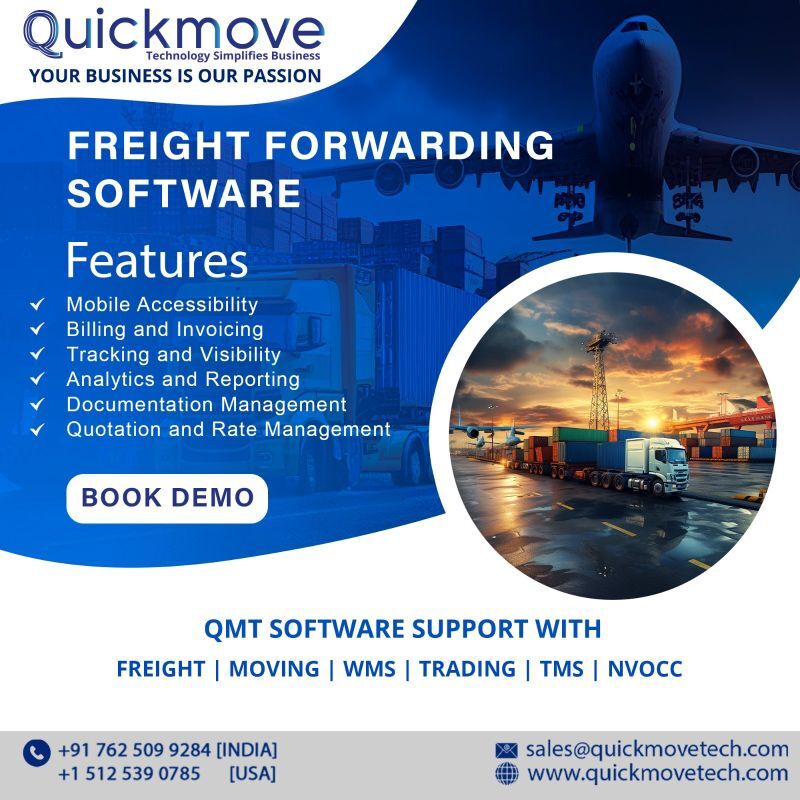
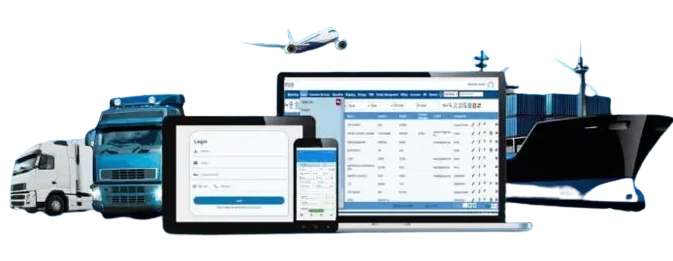
QuickMove’s freight forwarding software brings freight operations together with capabilities covering quotation and rate management, shipment tracking, billing and invoicing, profitability analysis, CRM, accounting, customer services, reporting, and other logistics functions.
However, the important question is not how many modules a provider offers.
3. Look for Automation That Reduces Manual Work
Manual work is one of the hidden costs of an outdated logistics system.
An employee may spend only a few minutes entering shipment information, preparing a document, checking an invoice, updating a customer, or preparing a report.
One task may not seem significant.
But when the same activity is repeated hundreds or thousands of times, the accumulated cost can become substantial.
Modern digital freight software should help automate repetitive processes wherever practical.
Depending on the platform, this may include:
- Repeated task workflows
- Document generation
- Data entry
- Automated costing
- Invoice generation
- Customer notifications
- Email and SMS communication
- Workflow approvals
- Reporting
- Storage billing
The purpose of automation is not to remove people from the operation.
It is to reduce repetitive administrative work so employees can spend more time on decision-making, exception handling, problem-solving, and customer relationships.
A useful question for any software demonstration is:
“How many manual steps can this freight software remove from our current workflow?”
That answer can be more valuable than a long list of features.
4. Make Shipment Visibility a Priority
For a freight forwarding company, information is one of its most valuable operational assets.
Management needs to understand what is happening across shipments, customers, revenue, costs, and operations.
However, when information is spread across spreadsheets, emails, individual applications, and disconnected databases, getting a complete picture becomes difficult.
A modern digital freight forwarding software system should provide authorized users with access to relevant information without requiring employees to manually combine data from multiple sources.
This can improve visibility into:
- Shipment status
- Shipment milestones
- Revenue
- Operational costs
- Customer activity
- Outstanding payments
- Shipment profitability
- Branch performance
- Sales activity
- Operational exceptions
Better visibility can also help management identify issues earlier.
Instead of waiting for a monthly report to discover an operational problem, decision-makers can work with more current information and respond faster.
5. Evaluate Integration Before Making a Decision
Replacing a legacy freight forwarding system does not necessarily mean replacing every other technology your company uses.
A logistics company may already rely on accounting software, CRM tools, payment systems, warehouse applications, transportation systems, customer portals, or other specialized platforms.
The replacement freight software therefore needs to fit into the company’s wider technology environment.
Before selecting a platform, ask:
“How easily can this system connect with the tools we already use?“
Also evaluate:
- APIs and integrations
- Data exchange
- Data synchronization
- Integration costs
- Security requirements
- Existing technology compatibility
- Future integration requirements
A system may have excellent features, but if it becomes another isolated application, the business may continue to face the same data and visibility problems.
The objective should be to create a more connected logistics technology environment.
6. Do Not Overlook the Customer Experience
Technology decisions are often focused entirely on internal operations.
But freight forwarding software can also influence the customer experience.
Customers increasingly expect quick access to shipment information. They want to know where their shipment is, what stage it has reached, whether documents are available, and whether anything requires their attention.
They do not necessarily want to call or email an employee every time they need a shipment update.
A customer portal can provide self-service access to relevant shipment information and documents.
This can benefit both sides.
Customers get easier access to information, while employees can spend less time answering repetitive status requests.
For CEOs, customer visibility should therefore be considered part of the broader digital transformation strategy not simply another software feature.
7. Evaluate the Total Cost, Not Just the Subscription Price
Price is an important part of any software decision.
However, comparing only the monthly or annual subscription can provide an incomplete picture.
The actual cost of replacing a legacy freight forwarding software system may include:
- Software licensing
- Implementation
- Data migration
- Employee training
- Integrations
- Customization
- Support
- Maintenance
- Internal employee time
- Additional modules
A system with a lower initial price may require significant customization or manual work later.
Another platform may require a larger initial investment but potentially reduce operational effort over time.
Therefore, instead of asking only:
“Which software is cheaper?“
CEOs should ask:
“What will this system cost us, and what operational value can it provide over the next three to five years?“
This provides a more realistic way to evaluate the investment.
8. Treat Data Migration as a Major Project
Years of customer, shipment, financial, vendor, and operational information may exist inside a legacy system.
Moving that information to a new freight forwarding software platform is one of the most important parts of the transition.
Poor data migration can lead to:
- Duplicate records
- Missing information
- Incorrect customer details
- Incomplete historical records
- Reporting problems
- Operational delays
Before selecting a provider, ask how the migration will be managed.
Important questions include:
- What information can be migrated?
- Who will manage the migration?
- How will data quality be checked?
- How will duplicate records be handled?
- Will historical information remain accessible?
- Will the migration be tested before going live?
- What happens if migration problems are discovered?
Data migration should not be treated as a simple technical exercise.
It should be planned as part of the overall business transition.
8. Check Whether Employees Can Actually Use the System
A sophisticated freight software platform has limited value if employees find it difficult to use.
This becomes particularly important when replacing a system that employees have used for several years.
People naturally become comfortable with familiar processes.
Introducing a new platform can therefore create resistance, even when the new system provides more capabilities.
This is why usability matters.
Before making the final decision, involve employees from different departments, including:
- Operations
- Sales
- Documentation
- Finance
- Customer service
- Management
Do not rely only on a software presentation.
Give users practical tasks.
For example:
“Create a shipment, update its status, prepare the required documentation, and generate the related invoice.“
This provides a much clearer understanding of whether the platform works for the people who will use it every day.
10. Look Beyond Implementation Day
Many companies spend considerable time selecting software but do not give enough attention to what happens after the contract is signed.
A system transition normally involves several stages:
Requirement Analysis → Configuration → Data Migration → Testing → Training → Go-Live → Post-Implementation Support
Every stage matters.
Training is particularly important because employees need to understand not only how to use the software but also how their daily workflow will change.
A proper implementation plan should therefore include:
- User training
- Workflow testing
- User acceptance testing
- Go-live support
- Issue resolution
- Post-implementation assistance
The goal is not simply to make the software available.
The goal is to make the business comfortable and productive with the new system.
11. Make Scalability Part of the Decision
A replacement freight forwarding software system should solve today’s problems without creating tomorrow’s limitations.
Consider where the company expects to be over the next three to five years.
Will the business:
- Add new branches?
- Enter new markets?
- Increase shipment volumes?
- Add employees?
- Expand warehousing?
- Add transportation services?
- Serve more customers?
- Introduce new digital services?
The software should be capable of supporting that growth.
For CEOs evaluating the best freight forwarding software in UAE, for example, scalability should be one of the evaluation criteria rather than simply comparing the number of features or the initial subscription price.
The same principle applies whether the company operates in the UAE, India, or across multiple international markets.
For CEOs, scalability means thinking beyond the current number of users or shipments.
It means asking:
“Can this platform grow with our business?“
12. Do Not Compromise on Security and Control
Freight forwarding companies handle sensitive business information every day.
This may include customer information, commercial documents, shipment details, financial data, vendor information, and internal business records.
Security should therefore be part of the freight forwarding software evaluation from the beginning.
Ask potential providers about:Ask potential providers about:
- User permissions
- Role-based access
- Data protection
- Backups
- Audit trails
- Account security
- Data recovery
- System monitoring
It is also important to understand which employees can access which information.
A finance employee, operations executive, sales representative, and senior manager may not require the same level of system access.
The right platform should allow businesses to control access according to roles and responsibilities.
A Practical Checklist for CEOs
Before replacing a legacy freight forwarding system, senior management should be able to answer these questions:
| Area | Key Question |
| Business requirements | What problems are we trying to solve? |
| Operations | Does the freight forwarding software fit our workflows? |
| Automation | Which manual processes can be reduced? |
| Visibility | Can management access important information easily? |
| Integration | Can it connect with our existing systems? |
| Customer experience | Can customers access shipment information conveniently? |
| Cost | What is the total cost of ownership? |
| Data migration | How will our existing data be transferred? |
| Usability | Can employees learn and use it effectively? |
| Implementation | What support is provided during the transition? |
| Scalability | Can the platform support future growth? |
| Security | How is business and customer data protected? |
Final Thought: Choose for the Future, Not Just for Today
Replacing a legacy freight forwarding system should not be viewed simply as replacing old software with new software.
It is an opportunity to look closely at how the business operates, where time and resources are being lost, and what the company needs to achieve over the next several years.
The right freight forwarding software should help connect operational processes, reduce unnecessary manual work, improve shipment visibility, support better customer communication, and give management clearer information for decision-making.
QuickMove’s freight forwarding software brings freight operations together with capabilities covering shipment management, quotation and rate management, tracking, documentation, billing, profitability, customer management, accounting, reporting, and other logistics functions.